Square-grid map editor
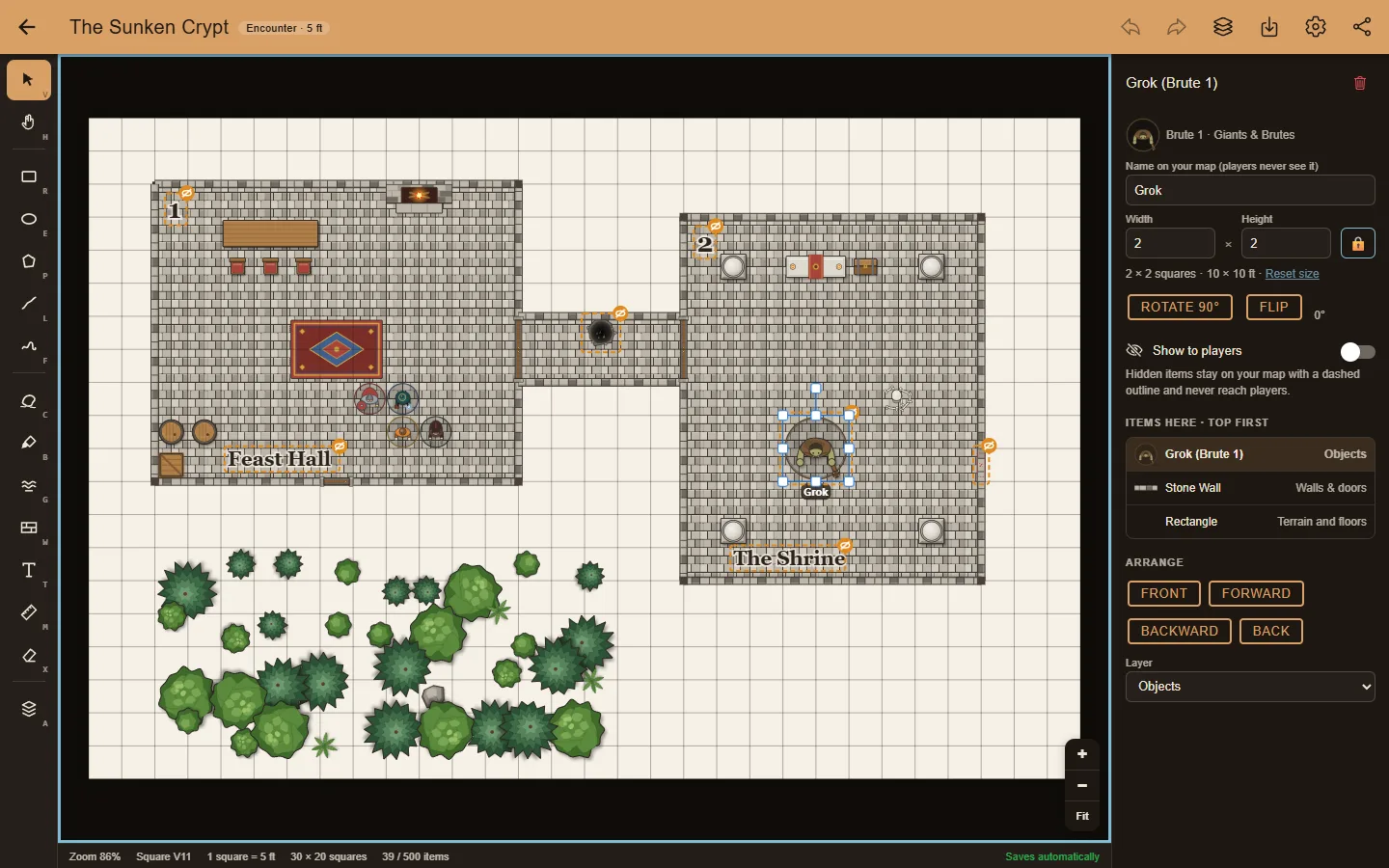
Rooms, caves, water and roads snap to whole squares. Measure in feet or miles, rotate, arrange in layers, and undo anything.
 rpg map maker · free
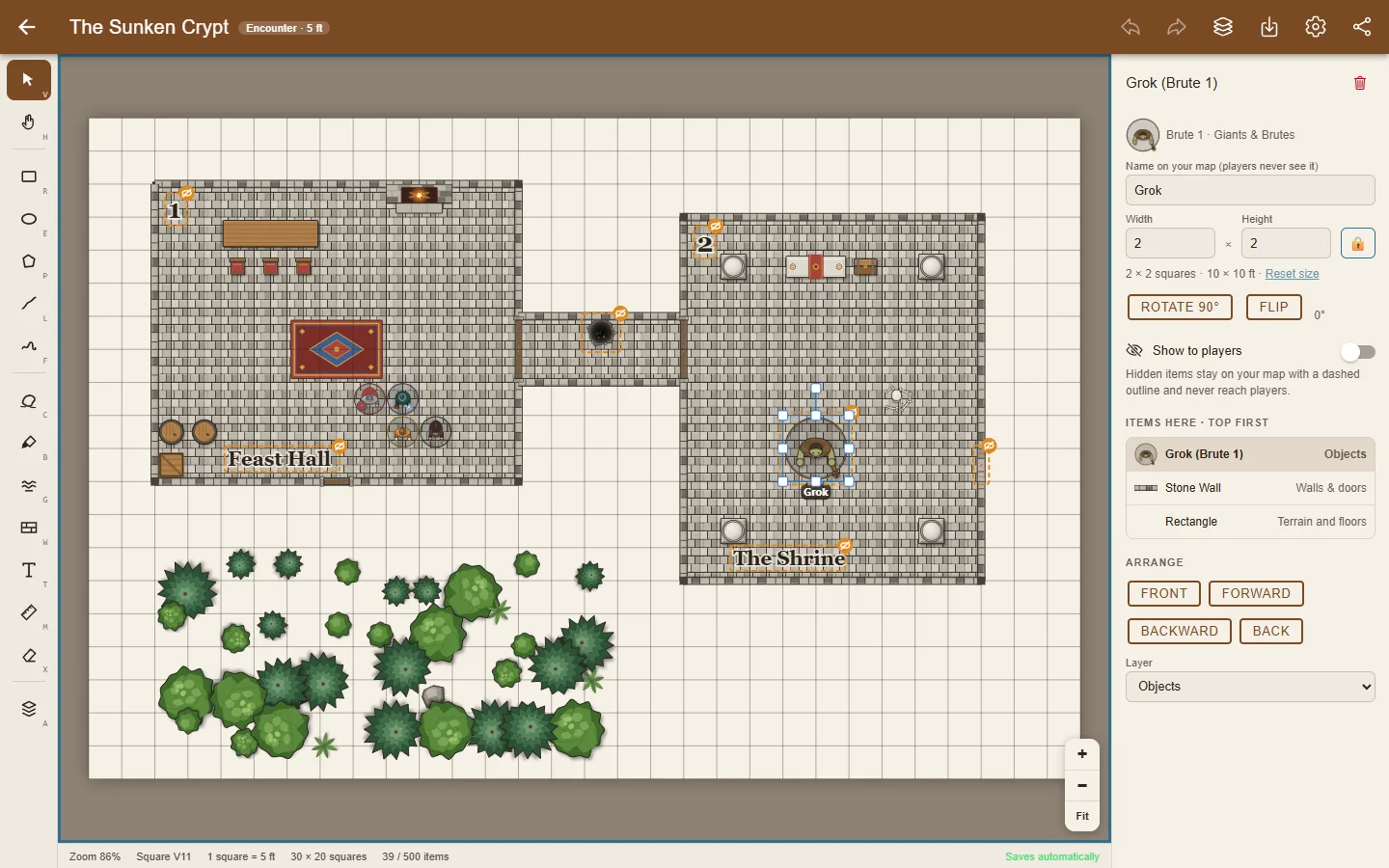
My RPGMap Me is a free map maker for game masters. Build dungeons, towns and whole kingdoms with ready-made art, then send your players one link: they follow along on their phones and see only what you reveal. Your maps stay on your own device.
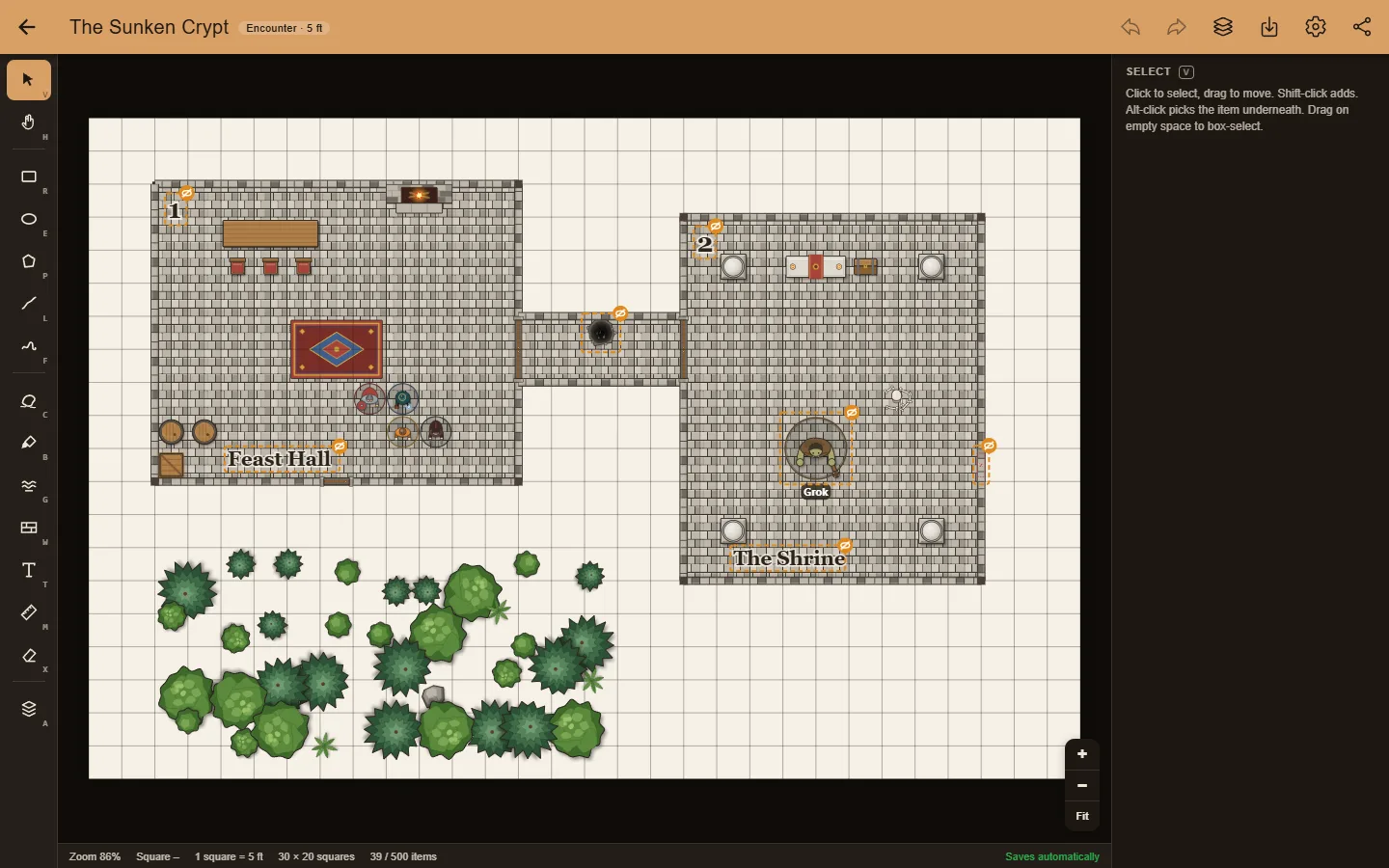
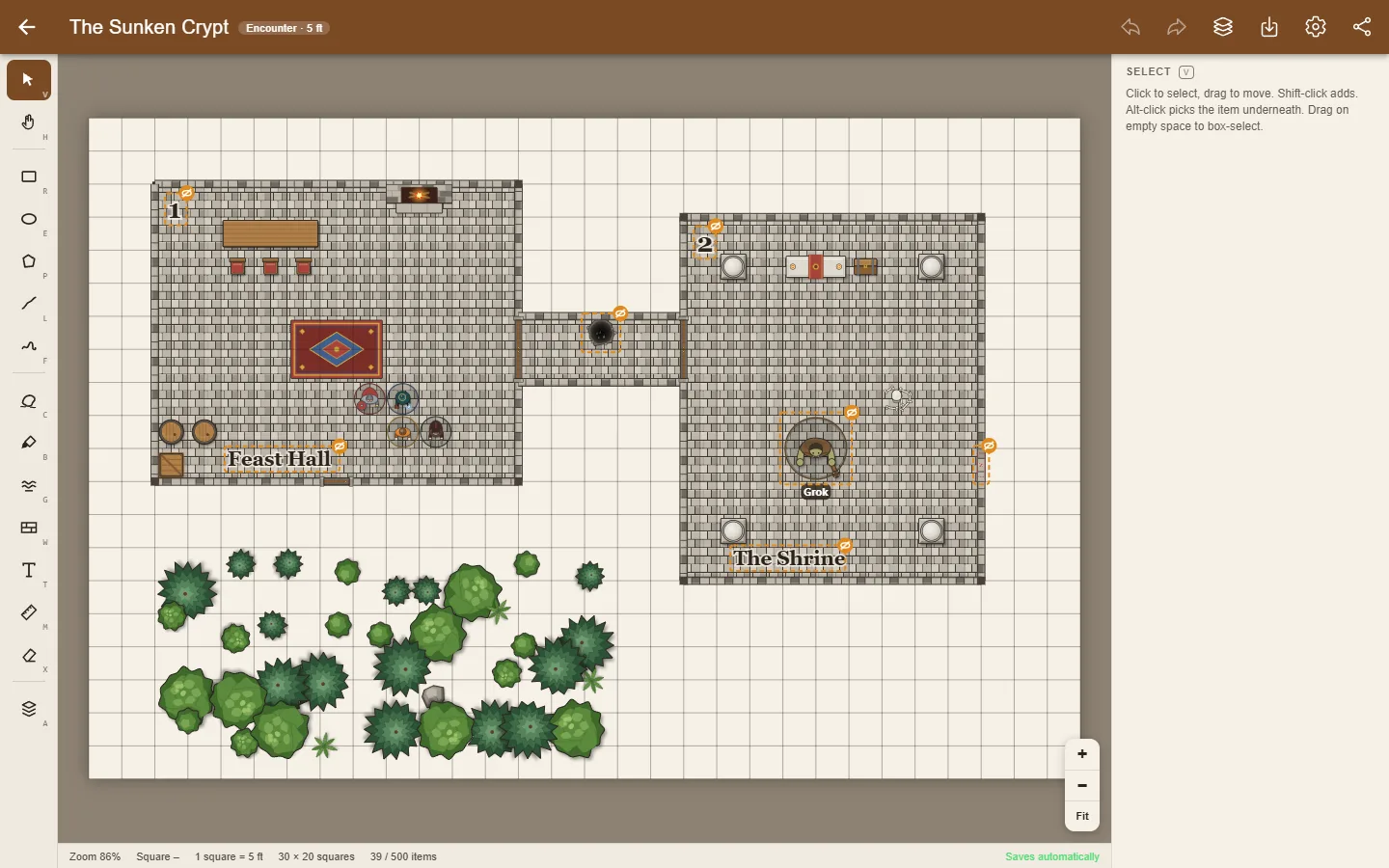
Rooms, caves, water and roads snap to whole squares. Measure in feet or miles, rotate, arrange in layers, and undo anything.
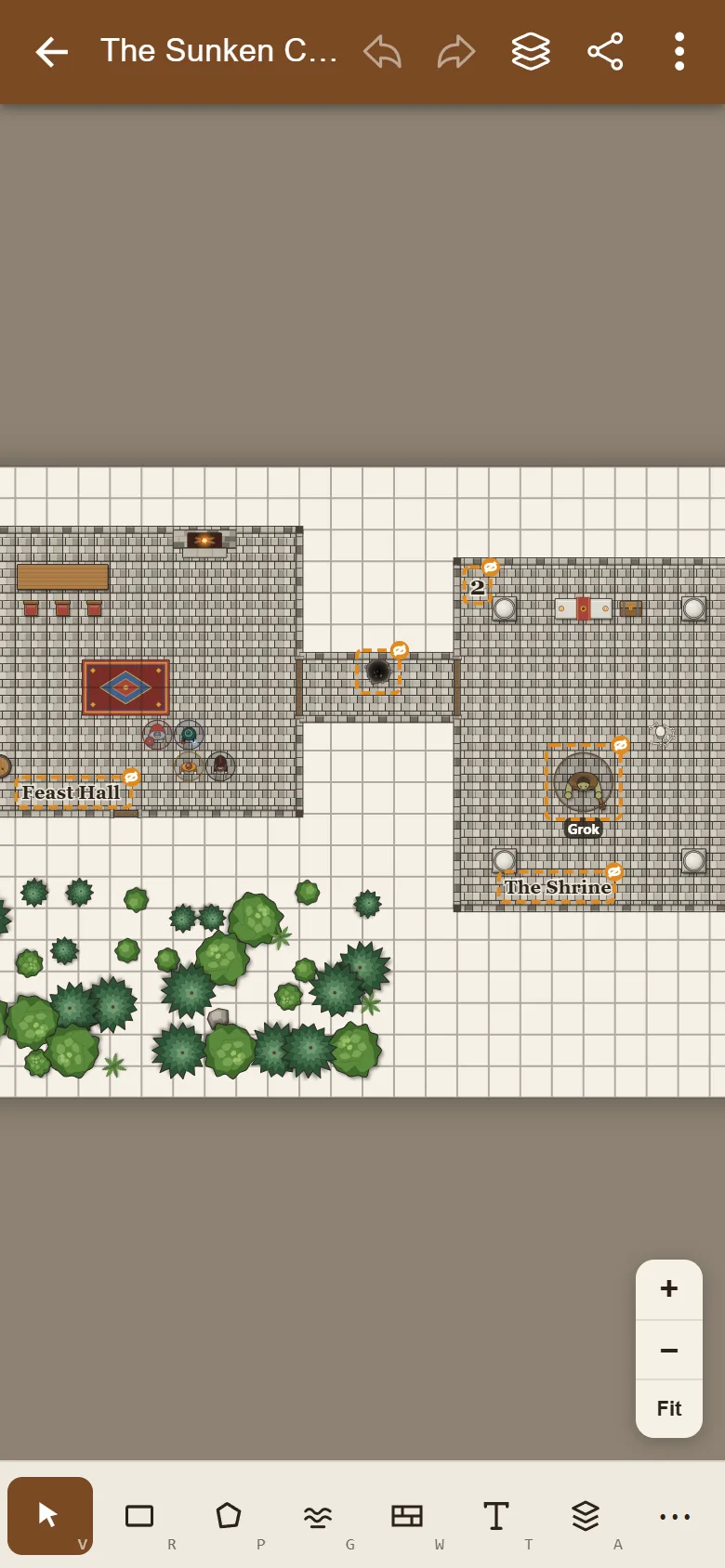
Nine art packs of original top-down art: stone walls and doors, furniture, trees, statues, buildings, monsters and heroes. Drag them onto the map.
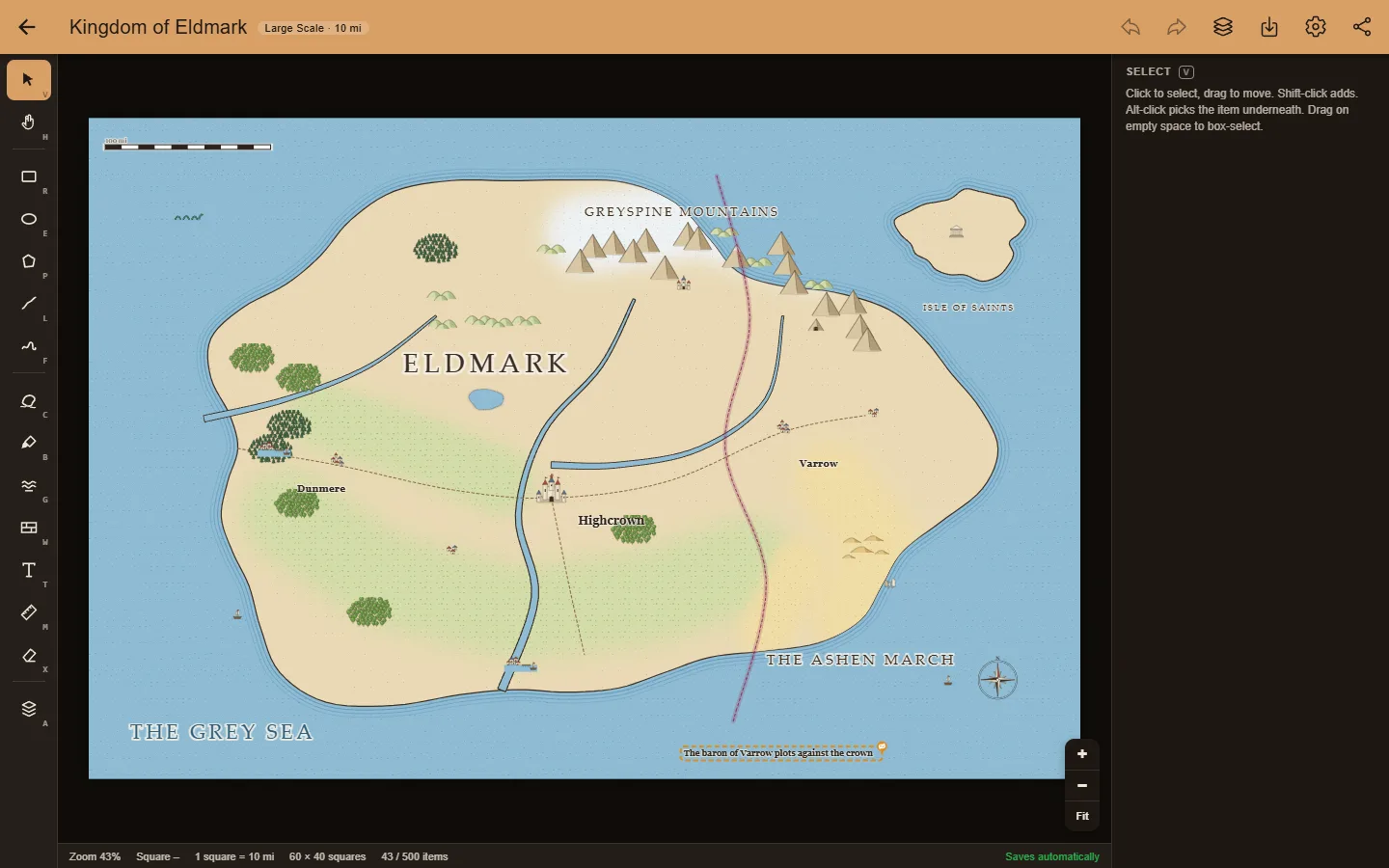
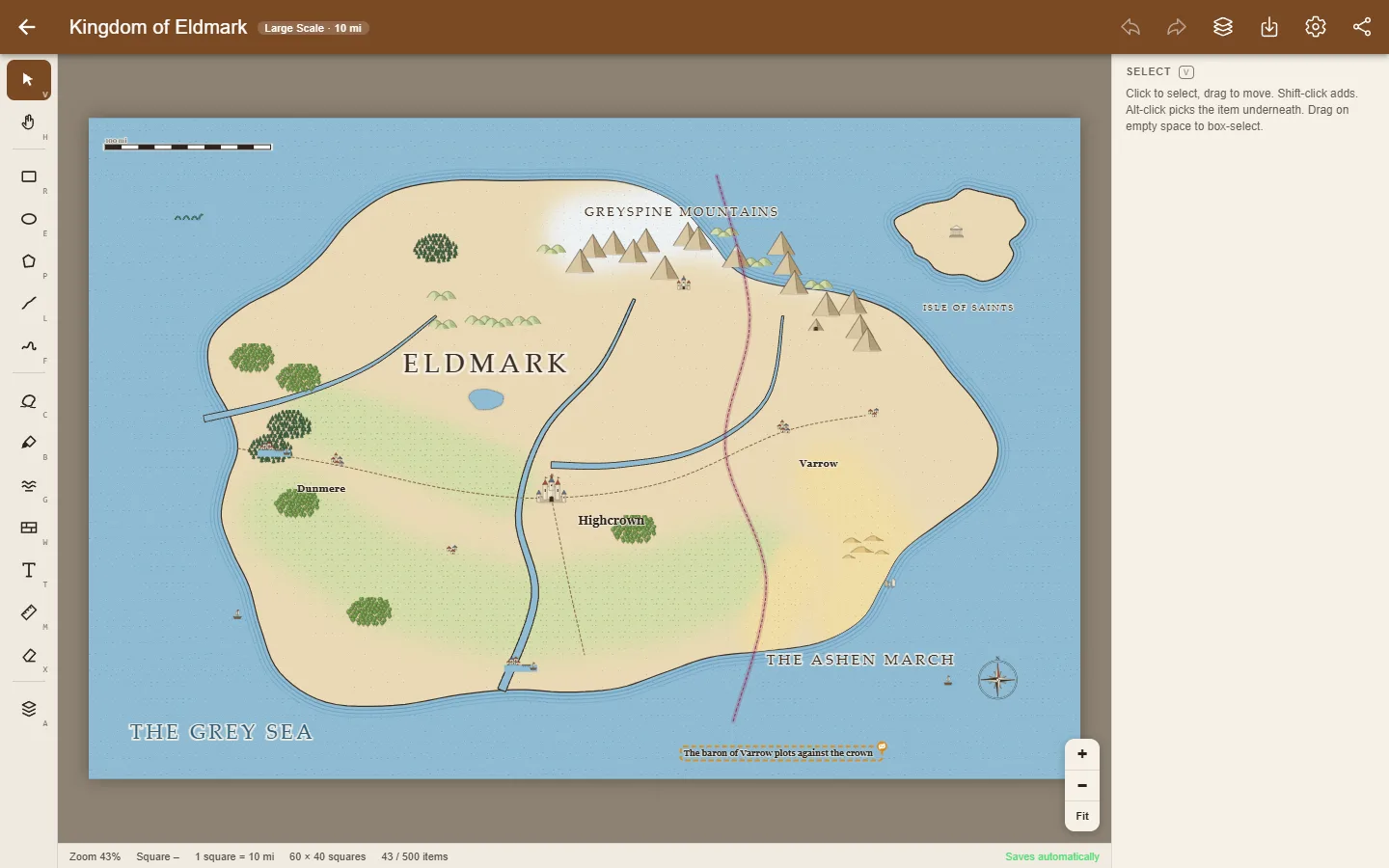
Three map types with their own scale: 5 feet per square for a battle, 25 feet for a town, 10 miles for a kingdom. Draw coastlines, paint terrain, run roads and rivers, or start from one of six sample maps.
No account. Maps save as you draw, the app works offline, and it installs like a regular app. Only what you share with players leaves your device, and it's deleted when the game ends.
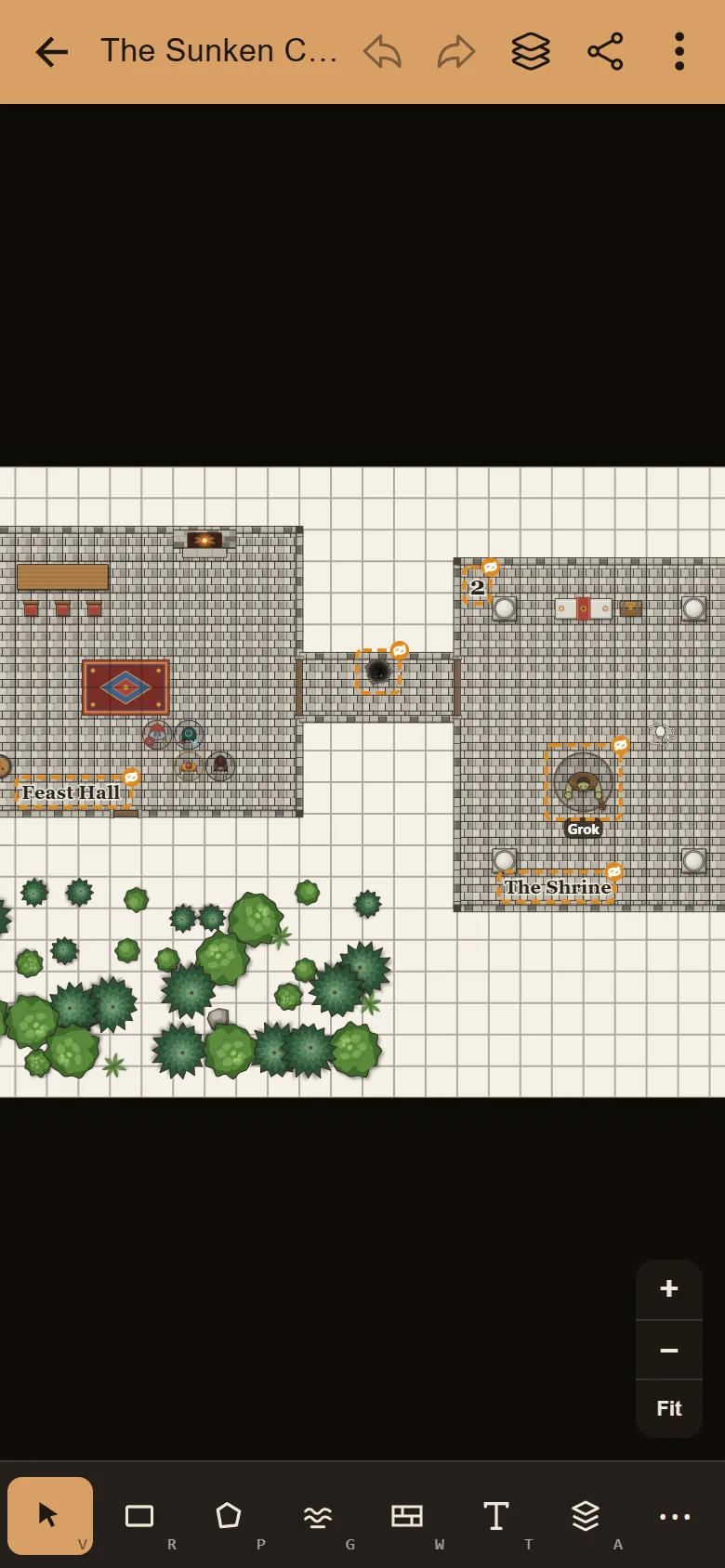
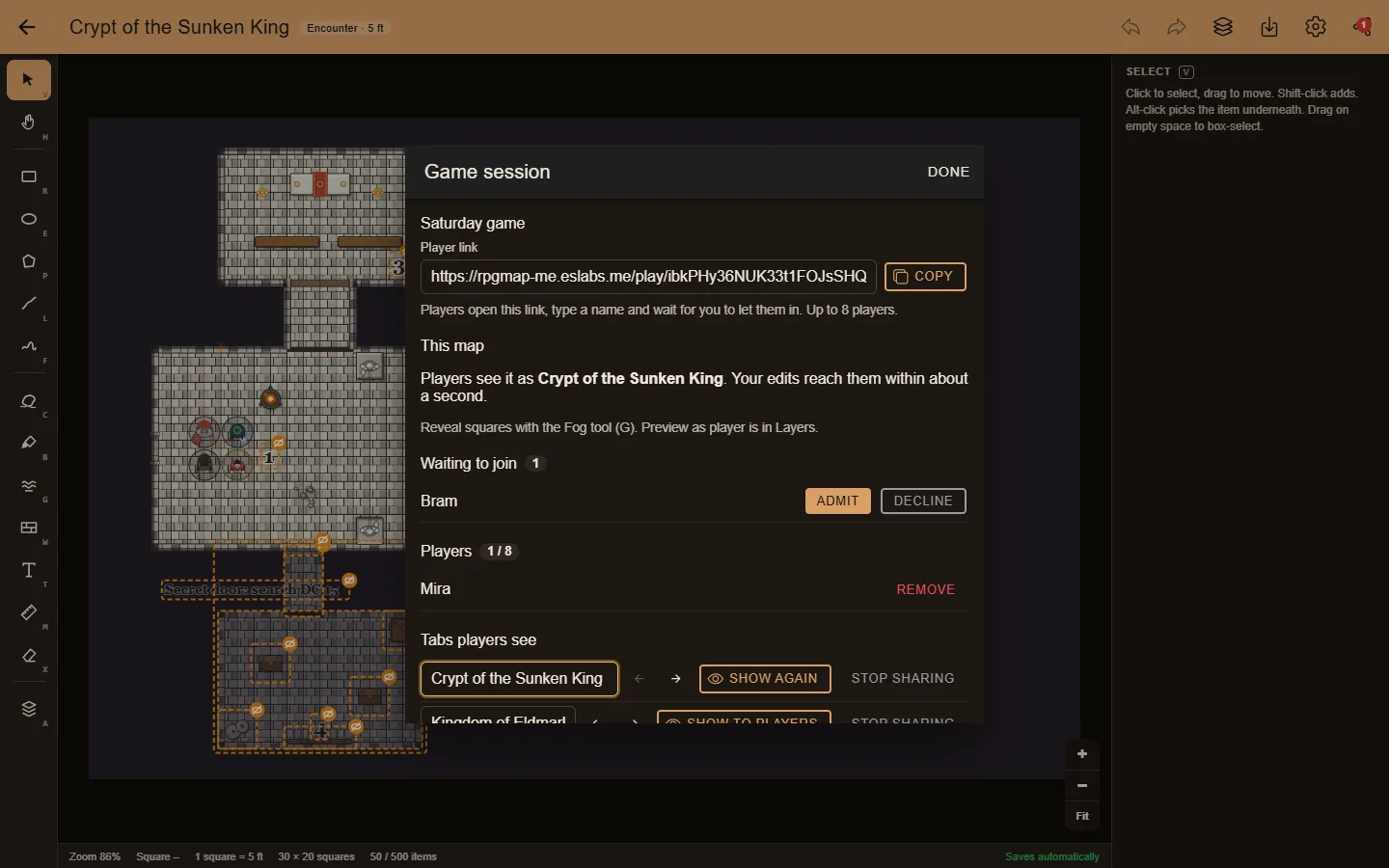
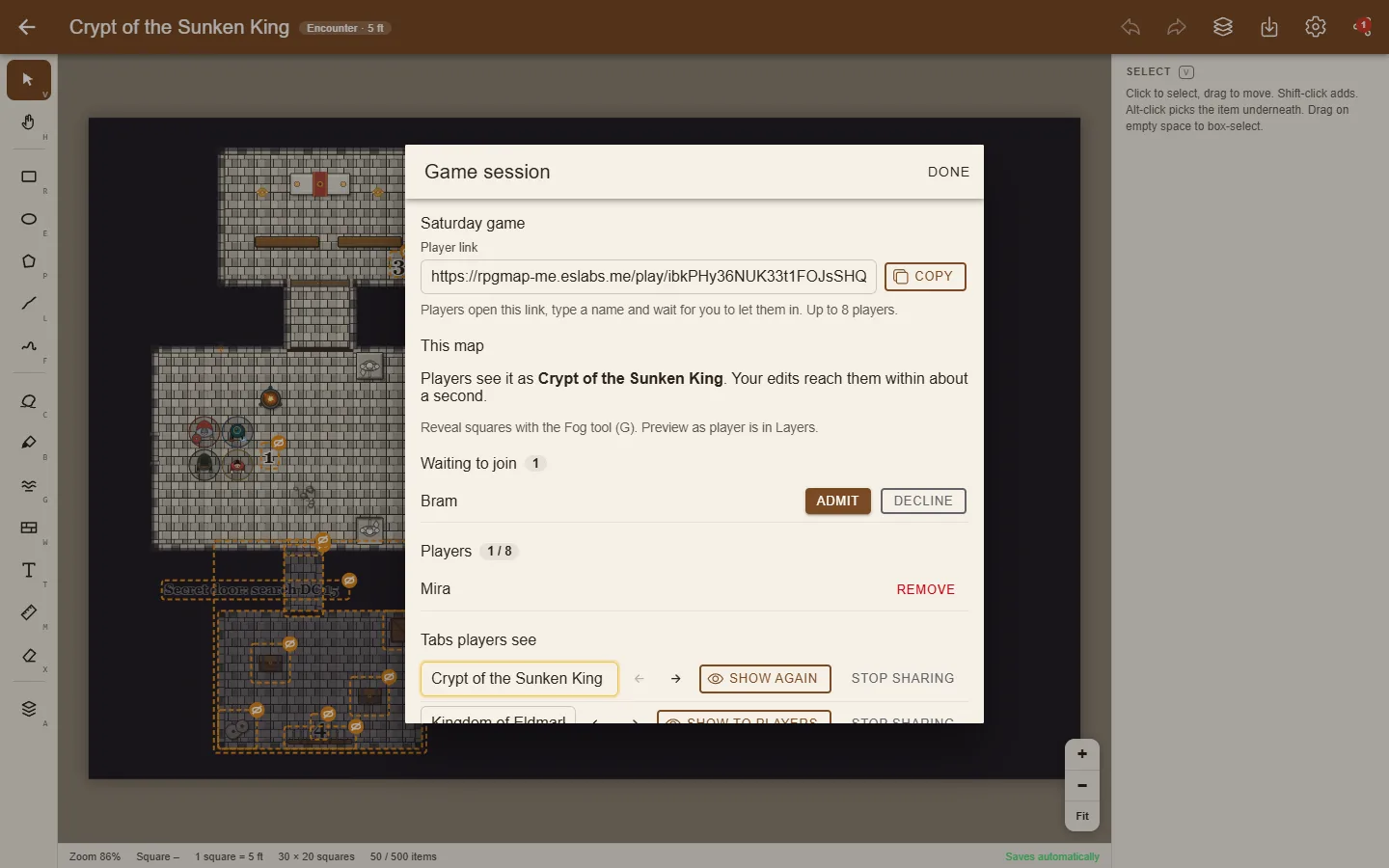
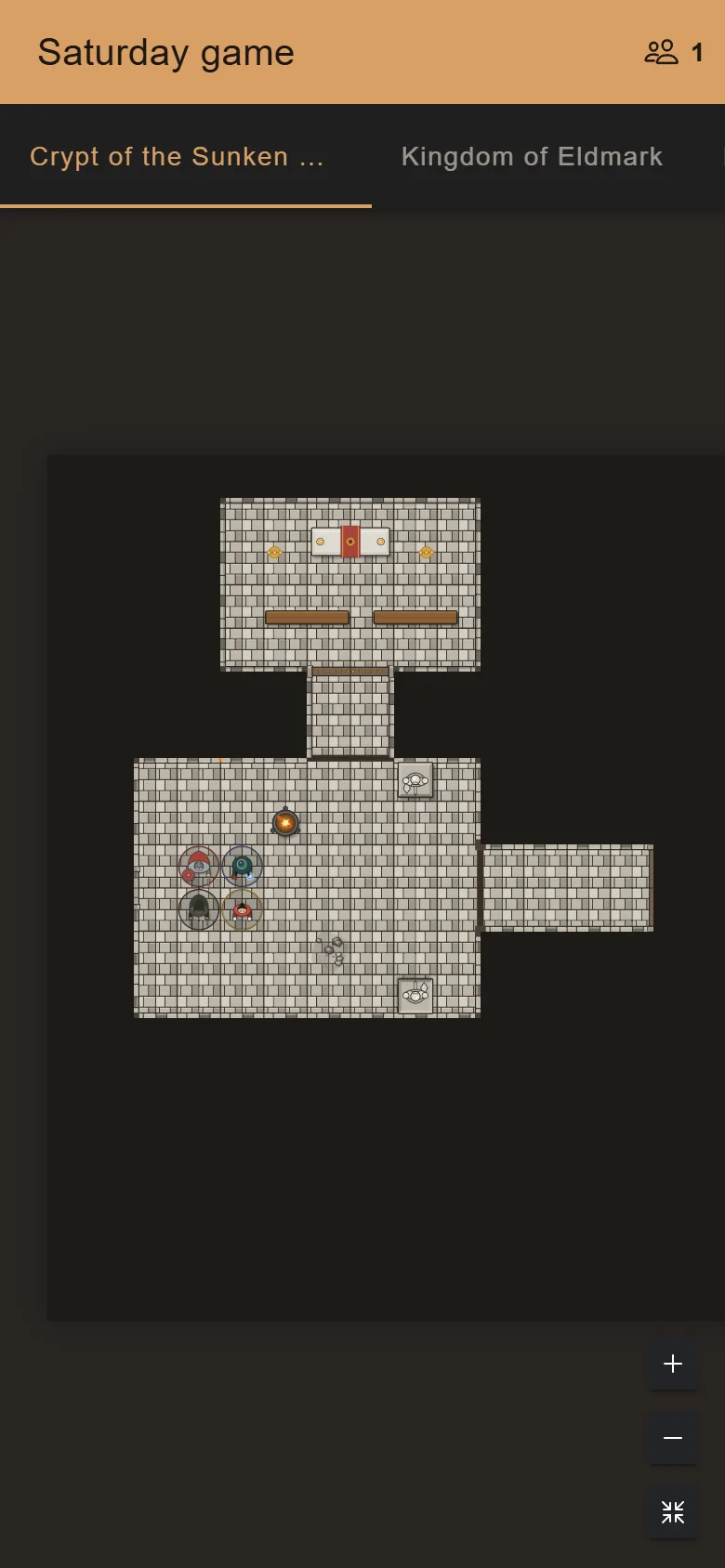
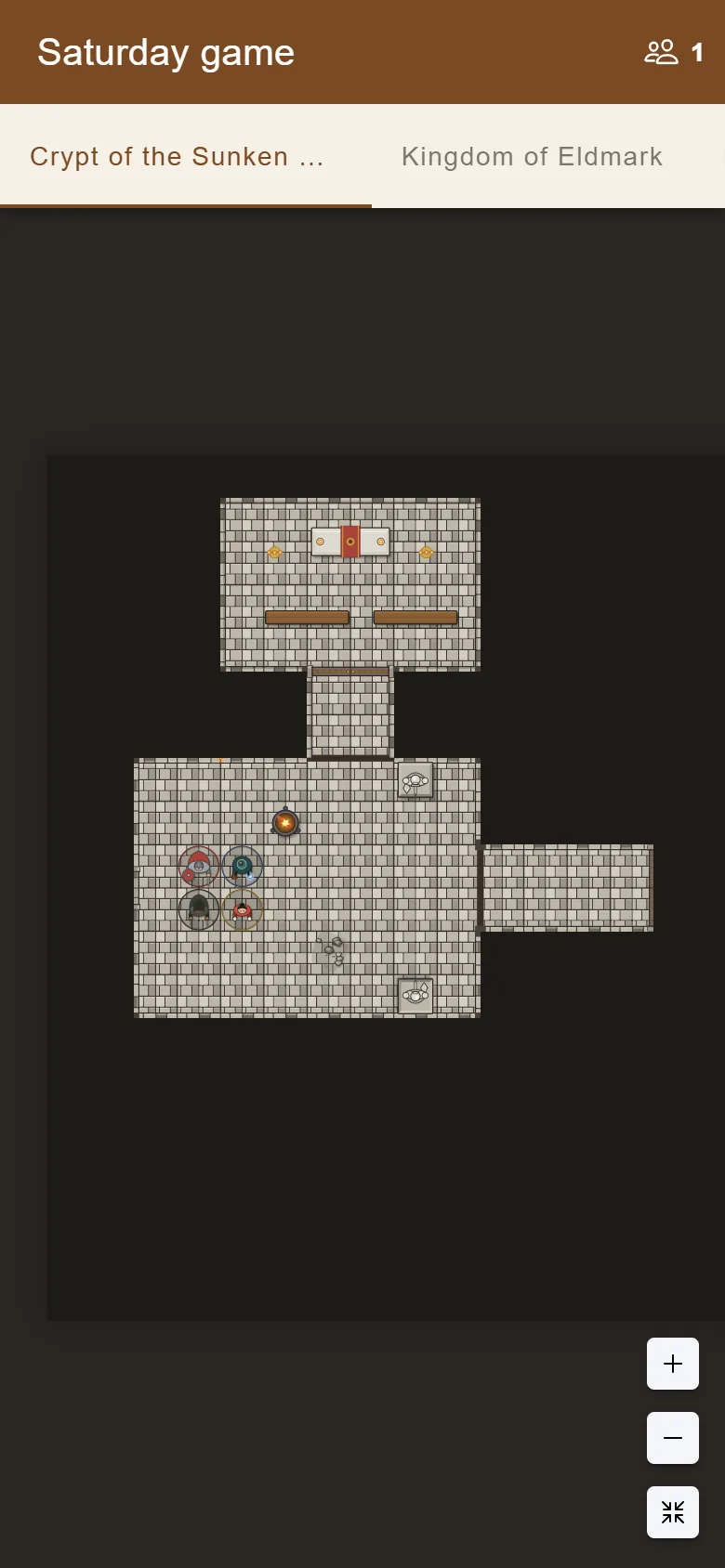
Share one link with up to 8 players. Every map you share becomes a tab on their screen; uncover rooms as they explore, move everyone to the next map, and watch tokens move as you play.
A GM version with every secret, and a player version with GM notes, hidden items and secret labels removed. Map files and library backups move maps between devices.
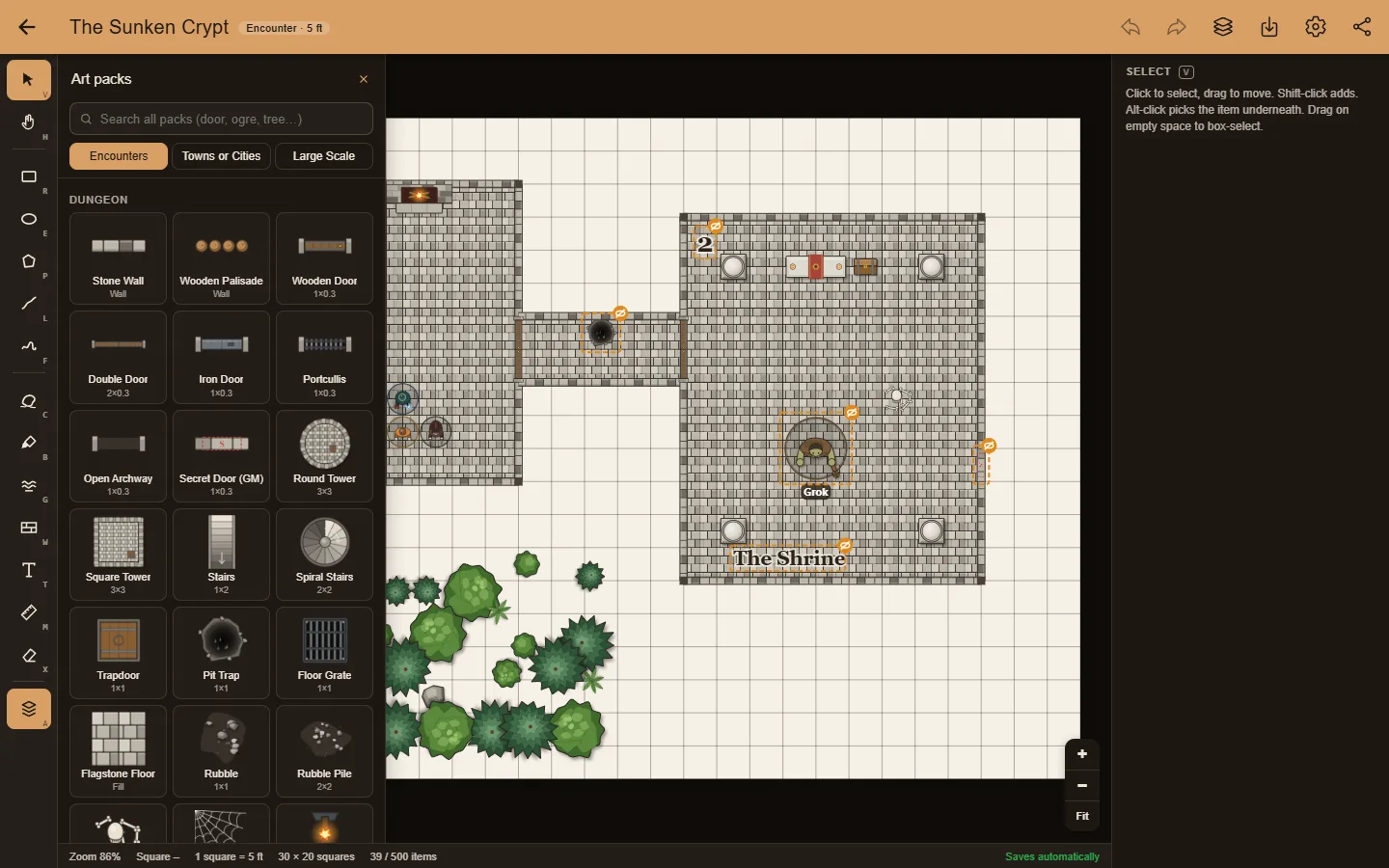
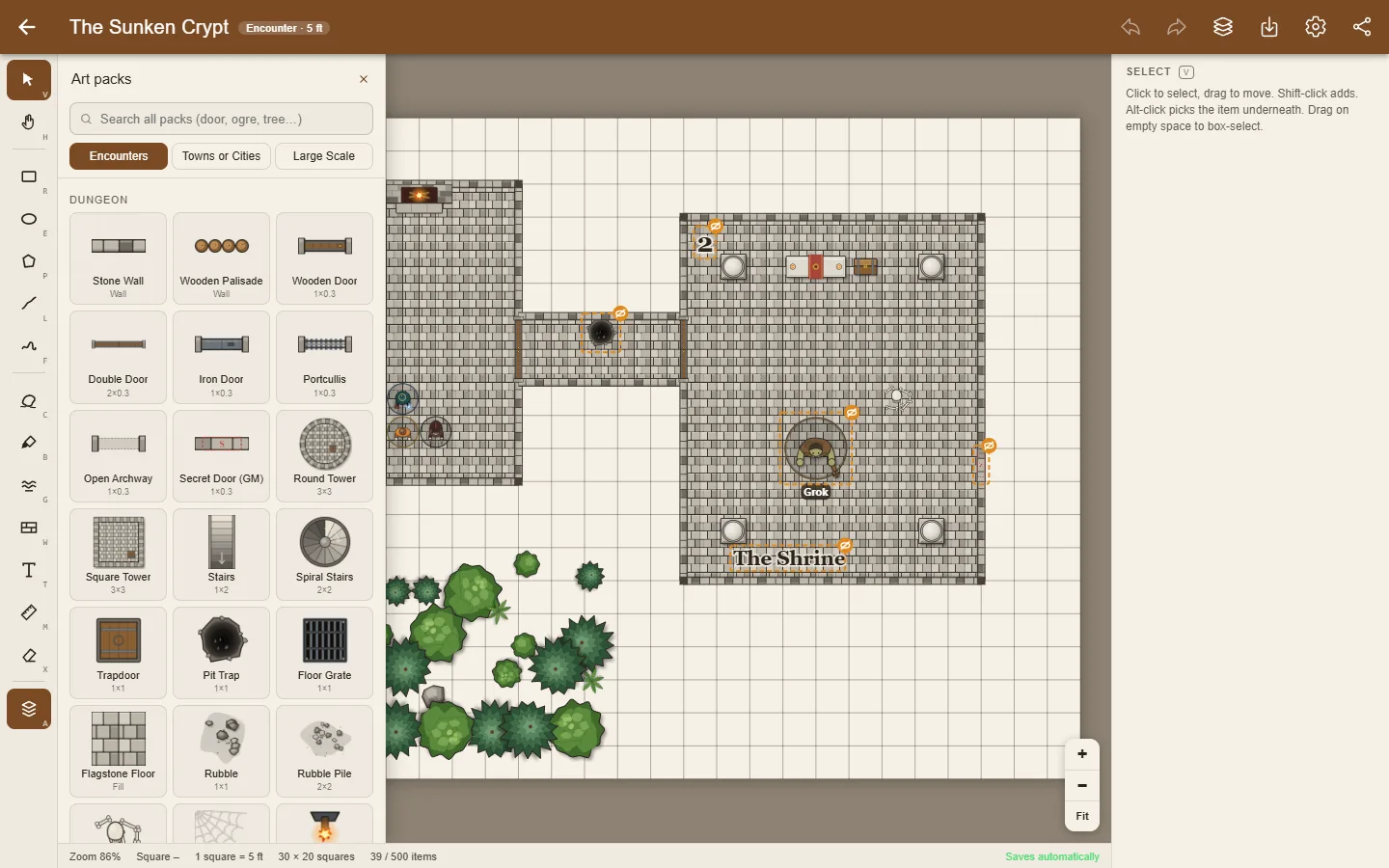
Drag out rooms and caves, fill them with flagstone or wood, and trace stone walls along the grid.
Search for "door", "table" or "ogre" and drop items in. Doors snap onto walls and turn to match.
Mark traps, secret doors and lurking monsters as hidden from players, and name tokens only you can see.
Start a game session, send the link and let your players in. Uncover rooms as they explore, and switch everyone to the town or the world map when the story moves on.
Yes. The map editor and all nine art packs are free, with no ads. Optional paid art packs may come later; everything you can use today stays free.
No. Open the app and start drawing. There is no sign-up and no login.
In your browser, on your device. Maps are never uploaded. Installing the app keeps the browser from clearing them. To move a map to another device, download it as a map file and import it there, and back up your whole library to a file from time to time.
Start a game session and send your players one link. They open it in any browser, type a name and wait for you to let them in, up to 8 players. Each map you share becomes a tab on their screen. They see only the squares you uncover, never your hidden items or GM notes, and your changes reach them within about a second.
Just a phone, tablet or computer with a web browser. Players don't install anything or make an account, and they can only look: the map stays yours to edit.
Any tabletop roleplaying game that uses a square grid. You set the scale yourself: 5 feet per square for battles, 25 feet for towns, or miles and days of travel for kingdoms.
No sign-up wall. No ads. Made with care.